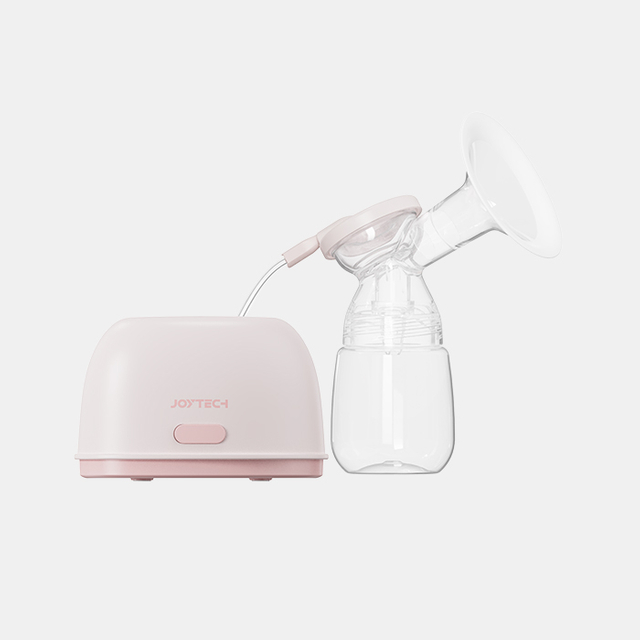
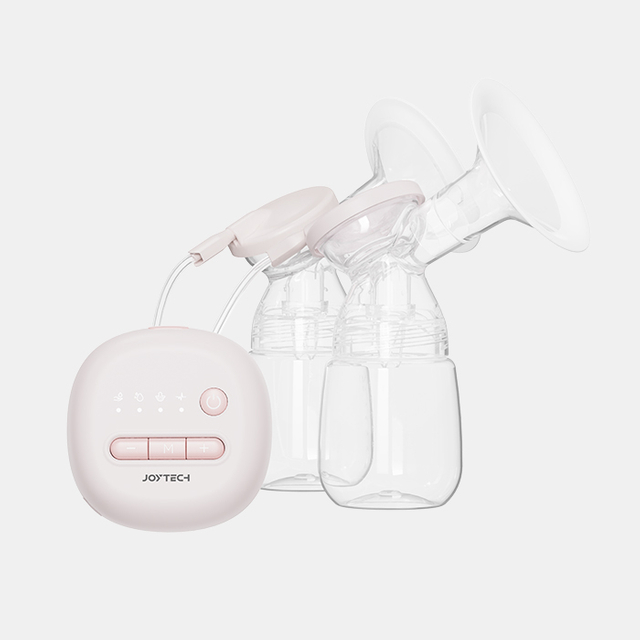
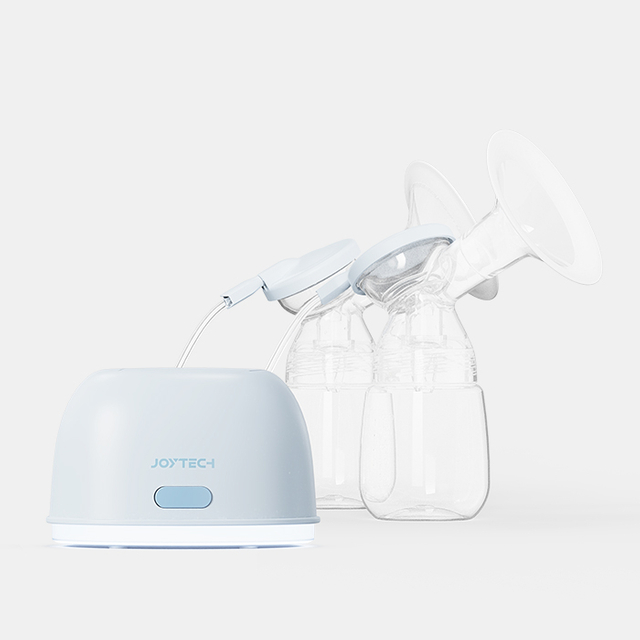
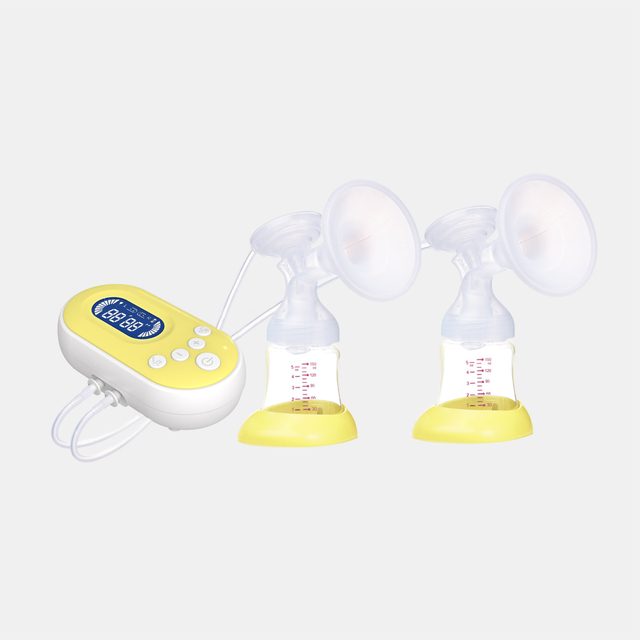
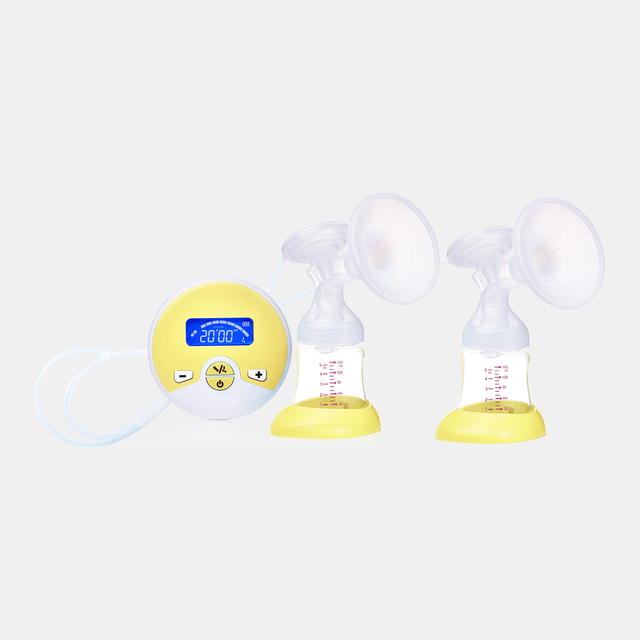
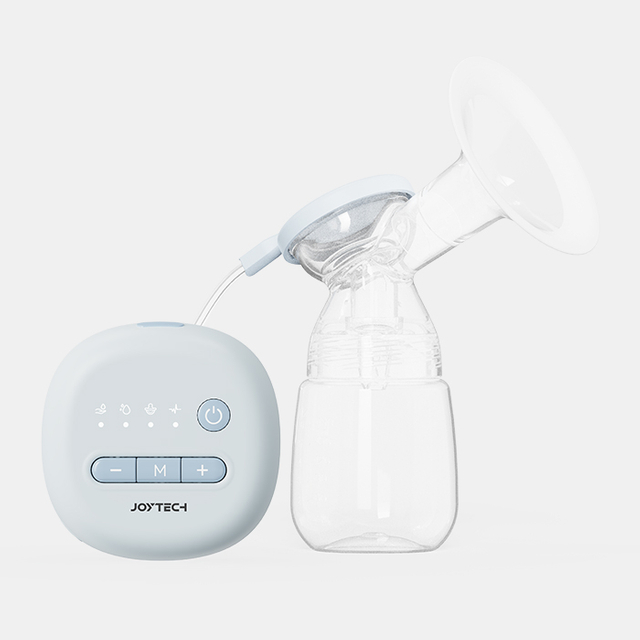
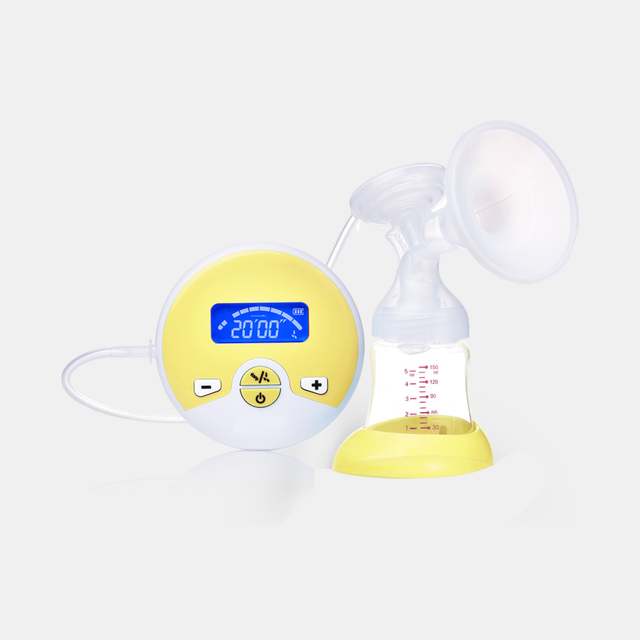
Ib ntu tshiab ntawm cov niam ua haujlwm tau xav ntau ntxiv hauv Bluetooth lub mis twj tso kua mis nrog kev sib koom ua ke app thiab cov ntaub ntawv taug qab. Rau OEM cov tuam txhab thiab cov koom tes ua lag luam, qhov kev hloov pauv no nthuav tawm lub sijhawm los tsim kev lag luam sib txawv raws li qeb tsim.
Cov Kev Xav Tau Ntawm Cov Niam Ua Haujlwm
Kev ua haujlwm ntawm lub mis twj tso kua mis tau ntev tau yooj yim, ib qho kev taw qhia - tig rau lub cuab yeej, twj tso kua mis rau lub sijhawm teem sijhawm, tua nws. Tsis muaj kev tawm tswv yim voj voog, tsis muaj tus kheej, thiab tsis muaj ntaub ntawv ntawm qhov tshwm sim thaum lub sijhawm sib tham. Rau ntau tus neeg siv, qhov no tseem txaus.
Txawm li cas los xij, ib pab niam txiv tab tom pib nrhiav qee yam txawv. Qee tus niam ua haujlwm tau pib qhia qhov kev txaus siab rau cov yam ntxwv uas dhau mus dhau qhov kev siv twj tso kua mis - lub peev xwm los kho lub zog nqus tau zoo thaum lub sijhawm sib tham, tshuaj xyuas cov kev siv dej dhau los, thiab taug qab cov qauv hauv lub sijhawm. Qhov kev hloov pauv no qhia txog kev nthuav dav uas qhov kev pub niam mis yog ze nrog ntau lub siab xav thiab cov txheej txheem niaj hnub.
Rau cov neeg siv no, lub twj tso kua mis Bluetooth uas txuas rau lub xov tooj ntawm tes tuaj yeem muab lub peev xwm uas cov qauv tsis tuaj yeem: hloov kho lub sijhawm nqus, kev sib tham keeb kwm, thiab kev teeb tsa tus kheej. Qhov loj ntawm cov pab pawg no tseem tsis tau txhais meej meej, tab sis qhov tshwm sim ntawm qhov xav tau no taw qhia rau kev hloov pauv ntawm cov neeg siv khoom siv ntsuas cov txiaj ntsig ntawm lub mis. Nws tsis yog tsuas yog hais txog lub zog nqus los yog suab nrov. Nws kuj yog hais txog kev pom thiab tswj.
Vim li cas Tam sim no yog Lub Sijhawm Tseem Ceeb rau Cov Khoom Muag
Lub tshuab nqus tsev twj tso kua mis lub lag luam tau ntev tau txhais los ntawm incremental innovation: txhim kho lub zog nqus, ntsiag to motors, ntev roj teeb lub neej. Cov yam ntxwv no tseem ceeb, tab sis lawv tsis sib txawv lawm. Qhov kev sib tw tiag tiag tau txav mus rau kev sib txuas Bluetooth, cov ntaub ntawv pom tau, thiab muaj peev xwm hloov kho lub cuab yeej rau tus neeg xav tau ntawm lub sijhawm.
Cov twj tso kua mis Bluetooth qeb tseem nyob rau theem pib ntawm kev txhim kho. Cov yam ntxwv ntawm cov khoom sib txawv thoob plaws cov tuam ntxhab, thiab cov neeg yuav khoom xav tau tseem tab tom tsim. Rau cov neeg muag khoom, cov theem no muaj qhov chaw los tsim lawv tus kheej cov khoom kev taw qhia - txiav txim siab dab tsi lub twj tso kua mis Bluetooth nrog app kev koom ua ke yuav tsum zoo li thiab nws haum rau lawv cov OEM muab.
Raws li Bluetooth-enabled nta tau paub ntau dua rau cov neeg siv khoom kawg, ntau lub tuam txhab tuaj yeem tshawb nrhiav cov lus qhia no. Cov khw muag khoom thiab cov chaw muag khoom uas pib ua haujlwm nrog cov tuam txhab muaj peev xwm tam sim no - xws li Joytech, uas muaj Bluetooth lub mis twj tso kua mis OEM cov kev daws teeb meem nrog kev tswj xyuas app thiab kev sib tham logging - tuaj yeem ua haujlwm zoo dua los tsim kev paub ntxov thiab kho lawv tus kheej-label mus kom ze.
Rau cov neeg muag khoom, qhov sib txawv hauv qhov chaw no mus dhau ntawm Bluetooth nti nws tus kheej. Lub twj tso kua mis OEM nrog app kev koom ua ke yuav tsum raug suav hais tias yog tag nrho ecosystem: yuav ua li cas lub app ua haujlwm, cov ntaub ntawv twg raug ntes, qhov kev xav ntawm tus neeg siv kev paub zoo li cas, thiab kev sib koom ua ke Bluetooth zoo li cas rau hauv zaj dab neeg.
Joytech txoj kev mus rau OEM lub mis twj tso kua mis nrog app kev koom ua ke qhia txog qhov kev nkag siab no. Tshawb xyuas peb cov khoom siv twj tso kua mis saib xyuas kom paub meej ntawm lub platform lub peev xwm. Lub platform yog tsim los pab kom cov chaw taws teeb nqus quab yuam tswj - cov neeg siv tuaj yeem kho lub twj tso kua mis lub zog thoob plaws ib qho kev sib tham ncaj qha los ntawm lawv lub xov tooj ntawm tes, tsis cuam tshuam cov txheej txheem. Lub app teev txhua qhov kev sib tham lub sijhawm, zaus, thiab kev teeb tsa, tsim cov ntawv sau rau tus kheej. Cov app no tuaj yeem txhawb nqa kev sib tham hauv zos cov ntaub ntawv khaws cia ntawm tus neeg siv lub xov tooj ntawm tes, nyob ntawm cov khoom teeb tsa.
Rau cov lag luam koom tes thiab cov neeg muag khoom, qhov kev ua haujlwm ntawm Bluetooth no tuaj yeem ua qhov txawv ntawm cov khoom lag luam. Nws ntxiv qhov loj me ntxiv rau tus qauv ntsuas lub mis tus nqi tawm tswv yim - dhau ntawm kev nqus thiab kev nplij siab, cov khoom muaj ib txoj hauv kev rau cov neeg siv cuam tshuam nrog lawv cov kev siv niaj hnub los ntawm ib qho app. Qhov chaw khaws cov ntaub ntawv hauv zos tau txais kev txhawb nqa, cov khoom txhawb nqa kev siv tau thaum khaws cov ntaub ntawv tuav ncaj nraim.
Qhov kev tso npe no kuj yog tus nqi lag luam. Lub twj tso kua mis ntiag tug nrog lub app ua haujlwm muab cov neeg xa khoom nrog cov khoom sib txawv los coj mus rau lawv cov neeg muag khoom lag luam - ib qho uas dhau mus dhau ntawm cov khoom siv tshwj xeeb thiab hais txog yuav ua li cas cov khoom haum rau cov neeg siv niaj hnub niaj hnub.
Distribution Strategy: Muab Koj Lub Cev Pump Muab Rau
Rau cov neeg xa khoom thiab cov neeg muag khoom muag, qhov kev sib tw yog txhais Bluetooth lub twj tso kua mis lub peev xwm rau hauv kev lag luam kev kawm. Cov neeg siv khoom feem ntau yeej tsis tau siv lub twj tso kua mis Bluetooth-enabled nrog app kev koom ua ke. Tej zaum lawv yuav tsis nkag siab tam sim ntawd vim li cas qhov kev ua haujlwm no tseem ceeb. Ua hauj lwm nrog Tuam Tshoj Lub Cev Lub Cev Ua Haujlwm Niam Ua Haujlwm uas muab cov cuab yeej siv no txhais tau tias tus neeg muag khoom lub luag haujlwm dhau los ua ib qho kev sib txuas ntawm kev paub txog qhov sib txawv.
Pib los ntawm kev txheeb xyuas cov khw muag khoom twg mus txog cov niam ua haujlwm tau zoo tshaj plaws - txawm tias los ntawm kev lag luam e-lag luam, cov khw muag poj niam tshwj xeeb, cov kws kho mob, lossis cov chaw noj qab haus huv. Tom qab ntawd, tsim cov lus piav qhia nyob ib puag ncig cov teeb meem tshwj xeeb uas Bluetooth ua haujlwm daws teeb meem: kev ua kom zoo dua qub, kev nplij siab los ntawm kev hloov kho lub sijhawm, kev thaj yeeb ntawm lub siab los ntawm cov ntaub ntawv kaw.
Kev koom tes nrog tus neeg muag khoom zoo li Joytech raws li koj tus kws kho mob OEM muab kev hloov pauv mus rau ntau qhov ntev. Xav paub ntau ntxiv txog peb lub peev xwm OEM :
● Dawb-labeling ntawm Bluetooth lub mis twj tso kua mis kho vajtse
● Suction teem configurations raws li koj lub hom phiaj positioning
● Cov ntaub ntawv pov thawj rau lub hom phiaj kev lag luam
Qhov kev hloov kho lub peev xwm no txhais tau tias koj tsis muag cov khoom siv dav dav - koj tab tom muab cov kev daws teeb meem ntiag tug uas xav tias lub hom phiaj tsim rau koj cov neeg tuaj saib.
Kev xa xov tuaj yeem tso lub Bluetooth ua haujlwm raws li kev ua haujlwm hloov kho dua li qhov khoom kim heev ntxiv. Lub mis twj tso kua mis cov ntaub ntawv taug qab los ntawm lub app dhau los ua ib feem ntawm cov khoom lag luam tus nqi siv tau - qhov tshwj xeeb uas haum rau cov neeg siv li cas rau lawv cov kev siv niaj hnub.
Txoj Kev Forward
Kev ua lag luam rau Bluetooth lub twj tso kua mis cov kev daws teeb meem tseem nyob rau theem pib. Kev paub txog cov neeg siv khoom tsawg tsawg, kev sib tw siv zog tsawg, thiab cov ntsiab lus ntawm qeb tseem tab tom sau. Rau cov neeg muag khoom thiab cov neeg xa khoom, qhov no yog lub sijhawm los nqis peev - tsis yog hauv cov khoom lag luam, tab sis hauv kev kawm kev lag luam thiab kev muag khoom.
Bluetooth lub mis twj tso kua mis OEM kev koom tes uas suav nrog kev ua haujlwm ntawm app thiab cov ntaub ntawv kaw lus hauv zos tau muab tso rau txhawm rau txhawm rau txhawm rau ua ntu zus ntawm cov niam ua haujlwm. Lawv kuj tsim lub hauv paus rau yav tom ntej innovation: nthuav cov ntaub ntawv nta, kev koom ua ke nrog rau lwm yam kev noj qab haus huv platforms, txhim kho customization xaiv.
Lub qhov rais los ua tus thawj coj qeb yog qhib. Lub sijhawm, raws li ib txwm, yog txhua yam.